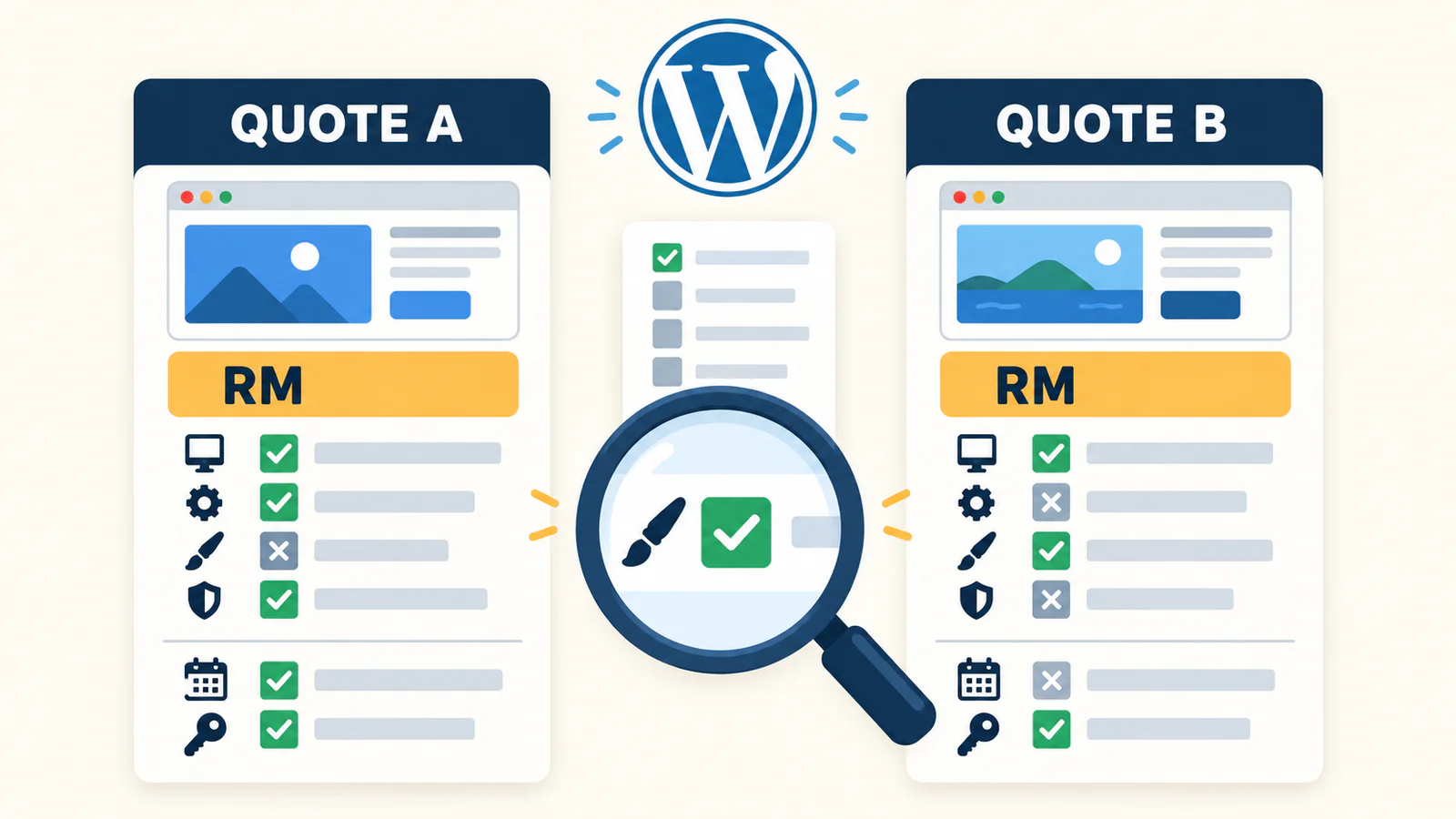
A WordPress website quote should explain the pages, design, content, dashboard access, themes and plugins, business functions, domain and hosting, SEO, handover, and support after launch. Do not compare the final prices first. Check whether both providers are quoting for the same work. Then separate the one-time website fee, ongoing third-party costs, and optional maintenance.
Use this table for a quick check. If the quote leaves most of these answers blank, ask for a clearer written scope before you pay.
| What to check | What the quote should explain | When to ask more questions |
|---|---|---|
| Pages and content | Page names, languages, templates, and who supplies the content | It only says “5-page website” |
| Design and revisions | Template or custom design, mobile layout, revision process, and number of rounds | It promises unlimited changes without an approval process |
| WordPress dashboard | What you can edit and which accounts you will receive | It says “CMS included” without a dashboard demo |
| Themes and plugins | Names, purpose, licence owner, renewal fee, and what happens when a licence ends | Paid tools are used but the licence owner is not named |
| Business functions | How forms, WhatsApp, booking, payment, and email will be tested | The quote lists a feature but not the full user flow |
| SEO and analytics | The exact setup, Search Console, GA4, and any ongoing work | It only says “SEO included” |
| Ownership and handover | Who owns the domain, hosting, files, content, and external accounts | Every account stays under the provider’s name |
| Support after launch | Support period, included fixes, and separate maintenance cost | It only says “support provided” |
I am Vern Chun from Milaos. I build websites and work on SEO and Local SEO for small businesses in Malaysia. You can use this checklist to compare a Milaos quote with a quote from another freelancer or agency. The same questions should apply to every provider.
What costs should a WordPress website quote include?
WordPress software, website production, and ongoing website operation are different costs. The WordPress core software uses the GPLv2 or later licence. The software licence is open source, but planning, design, development, content, testing, hosting, and support still require work.
| Cost type | Common items | What the quote should answer |
|---|---|---|
| One-time website fee | Planning, design, development, content preparation, testing, training, and launch | What will be delivered, when it will be ready, and how you will approve it |
| Ongoing third-party costs | Domain, hosting, paid theme or plugin, email, images, API, and payment service | Who buys it, who owns it, when it renews, and whether the provider can change the price |
| Optional ongoing services | Updates, backups, repairs, content changes, SEO, and Local SEO | What happens each month, how much work is included, and whether you can stop |
Place every cost in one of these groups. Compare the first-year total and the cost for later years. This prevents you from comparing a quote for website production only with another quote that also includes hosting, plugins, and maintenance.
1. List every page and say who prepares the content
A “5-page website” is not a complete scope. The quote should list Home, About, Services, individual service pages, Contact, Blog, or any other page. It should also explain which pages have their own design and which pages use a shared template.
A Services page can be a short list of three services. It can also contain research, copy, and several detailed service sections. Check these details:
- The name and purpose of every page.
- Whether the Blog listing and article template count as pages.
- The number of languages and who supplies or reviews each translation.
- Who writes the copy and which facts, prices, and images the client must provide.
- Whether old website content will be moved and how many posts or products are included.
- Whether the client supplies the images, the project uses licensed stock images, or new photos and graphics are needed.
If the content is not ready, the quote should also say when the project timeline starts. Missing business facts, service details, or images can delay the first preview and launch.
2. Make the design and revision scope easy to approve
The quote should state whether the provider will adjust an existing template or create layouts for your brand and content. Both methods can work. The price and result should match the method.
Check the following points:
- Does the work include checks on mobile, tablet, and desktop?
- When will you approve the style, page plan, and homepage direction?
- Are revisions counted by rounds, hours, or a fixed list?
- What counts as correcting an error, and what counts as a new page, function, or design direction?
- How will feedback be collected, and who gives the final approval?
“Unlimited revisions” may sound safe, but it does not explain when the project is complete. A clearer process uses agreed revision rounds. It also explains how new work will be quoted when a request falls outside the original scope.
3. Check what you can edit in the WordPress dashboard
A WordPress dashboard does not automatically mean the website will be easy for your team to update. Ask what you can edit, which editor you will use, and which user account you will receive.
WordPress roles and capabilities give users different levels of access. An Administrator can manage most website settings. An Editor mainly manages content, while an Author has fewer permissions. The quote or handover should explain:
- Whether the business owner receives a separate Administrator account.
- Whether staff need separate Editor or other user accounts.
- Which text, images, posts, team details, and services you can change.
- Whether pages use the WordPress editor, a page builder, or custom fields.
- Whether a dashboard walkthrough and basic instructions are included.
- How the website can be restored if someone deletes content by mistake.
Before handover, ask the provider to show a real task in the dashboard. Change a phone number, replace an image, and add a Blog post. Then try the same steps yourself. This is more useful than a promise that the dashboard is easy.
4. Name every theme, plugin, and custom function
Each theme and plugin should have a purpose, source, licence owner, and update plan. Free plugins still need maintenance. Paid tools also need a renewal plan.
The quote can record these answers:
| Item | What to record |
|---|---|
| WordPress theme | Name, free or paid, whether a child theme is used, and who owns the licence |
| Page builder | Name, whether the client can keep editing, and what happens when the subscription ends |
| Form or SEO plugin | Which plugin is used, whether the free version is enough, and where the data is stored |
| Custom code | What problem it solves, where it is stored, and whether another developer can maintain it |
| Licences | Whether the first year is included, renewal date, and who pays the renewal |
Do not judge a website by the number of plugins. More plugins do not always mean more value. They may also add update conflicts and maintenance work. Every tool should solve a real need.
5. Describe a business function as a complete flow
“Contact form included” only tells you that a form will appear on the page. It does not confirm that the enquiry will reach you. The scope should explain what happens from submission to delivery.
For a contact form, check these points:
- Which fields are required, and is any consent statement needed?
- What will the user see after a successful or failed submission?
- Which email receives the message, and is an email delivery service needed?
- How will spam be handled?
- Can a user complete the form on a phone?
- Who will test the final delivery before launch?
For a WhatsApp button, check the destination number, prepared message, and button locations. Booking, ecommerce, membership, payment, delivery, and CRM work should state the account application, third-party fees, test cases, and responsibility. A feature name by itself is not enough.
6. Keep ownership of the domain, hosting, and business accounts clear
The business owner should know who registers, pays for, and controls every account. A practical setup is for the client to own the domain, hosting, analytics, payment, and business accounts. The client can then give the provider the access needed to complete the work.
The quote should list:
- Domain registrar, domain owner, and renewal date.
- Hosting provider, plan, renewal price, and resource limits.
- Whether the host provides SSL and whether it renews automatically.
- How the WordPress files and database are backed up and where the backup is stored.
- Who creates the GA4, Search Console, email, payment, API, and other accounts.
- How the provider’s access will be removed when the work ends.
If the provider keeps several client websites in one hosting account, ask what you will receive when you move the website, whether migration costs extra, and how long it takes. You do not need to manage every technical task yourself, but you should keep control of the accounts your business depends on.
7. Separate basic website SEO from ongoing SEO
Basic SEO in a website quote normally covers page structure and the settings that help search systems read the website. It does not mean someone will keep improving your search visibility after launch. Do not accept “SEO included” as the full scope.
Basic website SEO can include:
- Page titles and meta descriptions.
- Clear H1, H2, and content structure.
- Image alt text and useful internal links.
- Sitemap, robots.txt, and canonical tags.
- Structured data that matches the page content.
- Search Console verification and sitemap submission.
- Basic GA4 installation and a check that it collects visit data.
Ongoing SEO may include keyword and competitor research, page improvements, new content, technical work, Local SEO, Google Business Profile work, and regular reports. These tasks need their own scope based on the market, location, and current website. A website or SEO provider cannot guarantee a first-page ranking, fixed traffic, or a fixed number of enquiries.
8. Define updates, backups, and support after launch
A WordPress website still needs core, theme, and plugin updates after launch. It also needs a usable backup. The official WordPress update guide recommends a backup before updates. Its automatic update guide also asks website owners to consider backup and recovery arrangements.
The quote should separate three stages:
- Testing before launch: Pages, links, forms, mobile layout, basic SEO, and analytics.
- Launch support: The time allowed for fixing display or function issues in the delivered scope.
- Long-term maintenance: Who handles updates, backup checks, faults, and small content changes.
The client, original developer, or another provider can maintain the website. Maintenance does not need to be tied to the website project, but the responsibility should be clear. A maintenance plan should state the monthly work, content change allowance, response time, process for larger repairs, and cancellation terms.
9. Put the timeline, payment, changes, and handover in writing
A useful timeline explains what the provider and the client must do. “Ready in two weeks” is not a reliable plan if there is no deadline for content, feedback, and external account approval.
The quote or agreement should include:
- Deposit, start date, first preview, feedback period, and expected launch point.
- The text, images, accounts, and approvals the client must provide.
- What happens to the schedule when information is late or the scope grows.
- Revision rounds and the process for pricing extra work.
- Acceptance checklist and final payment point.
- Accounts, files, documents, and training included in the handover.
- Support period after launch and the price of later work.
Ask for a handover checklist. A list of usernames and passwords is not a complete handover.
Milaos RM2,500 WordPress website example
The following is a named example from the current Milaos Business Website plan. It is not an average price for the Malaysian market. The final project scope will still be confirmed in writing.
| Item | Current base scope |
|---|---|
| Price | RM2,500 one time |
| Platform | WordPress with agreed content editing and basic instruction, or Astro with developer-managed content |
| Pages and language | Up to 5 core pages and 1 language |
| Blog | Blog listing and article template are not counted among the 5 core pages; ongoing article writing is separate |
| Content | Page planning, responsive design, and basic copy based on complete business facts and images from the client |
| Contact functions | WhatsApp contact paths and an agreed simple contact form |
| Basic SEO | Titles, descriptions, headings, alt text, internal links, sitemap, robots, canonical, suitable structured data, and Search Console |
| Analytics | GA4 basic installation and visit collection check; custom events and reports are assessed separately |
| Revisions and support | Two consolidated revision rounds and 30 days of launch support |
| Ownership | The client owns and pays for domain, hosting, analytics, and external accounts; website delivery remains subject to third-party licences |
The first preview normally takes 5 to 7 working days from the agreed start date when the deposit, required materials, and access are ready. A 50% deposit reserves the project slot. The remaining 50% is due after the agreed revisions and acceptance, before launch and handover.
WordPress does not automatically include extra languages, complex forms, booking, ecommerce, membership, CRM, paid themes or plugins, ongoing article writing, ongoing SEO, or long-term maintenance. These items are quoted based on the actual need. An existing standard WordPress business website can also use a separate WordPress maintenance plan.
WordPress quote checklist you can copy
Copy this list into your notes. Mark each item as included, excluded, or to be confirmed. Add the cost beside it.
- Page names, number of pages, and shared templates
- Blog listing, article template, and amount of old content to move
- Number of languages, translation source, and review responsibility
- Who prepares the copy, images, product details, and brand materials
- Template adjustment or custom design, including mobile checks
- Revision rounds, feedback process, and extra-work pricing
- WordPress editor, Administrator account, and staff permissions
- Theme, plugins, licence owner, and renewal dates
- Full form, WhatsApp, booking, payment, or other business flow
- Domain, hosting, SSL, email, and backup arrangements
- Exact basic SEO work and whether ongoing SEO is separate
- Ownership of GA4, Search Console, and other external accounts
- Testing, acceptance, training, files, and handover documents
- Project dates, client deadlines, and delay process
- Launch support, long-term maintenance, and cancellation terms
How do you compare two WordPress website quotes?
Match the scope first. Then compare the cost and risk. Follow these steps:
- Put both quotes into the same checklist.
- Find items that appear in one quote but not the other. Ask for the missing price or remove the item from the comparison.
- Separate the one-time fee, first-year third-party costs, and later renewals.
- Check who owns the domain, hosting, WordPress, analytics, and paid licences.
- Ask for a demo of the dashboard that your team will use.
- Test one real flow, such as whether a form submission reaches the correct email.
- Compare handover and launch support, not only the visual design.
A lower quote may be suitable for a simple website. A higher quote does not automatically have a more complete scope. The numbers only become useful when the pages, functions, content, accounts, and support are compared on the same basis.
If you are also choosing a provider, read questions to ask before hiring a web designer and how to choose between a freelancer and a marketing agency. You can also review the KCN Aluminium and TSP Haus case study to see how I handled brands, service pages, and enquiry paths. The case study also explains which ranking and enquiry results it does not claim.
Before you request a quote, prepare your business details, pages, languages, editing needs, business functions, and preferred launch time. Review the WordPress website design service and current pricing and scope, then send the details through the contact page. If you already have a website and are unsure whether to rebuild or improve it, you can request a free preliminary SEO review.
FAQ
What should a WordPress website quote include?
A clear quote should cover the pages and templates, design scope, content responsibility, dashboard access, themes and plugins, business functions, domain and hosting, basic SEO, testing, training, handover, timeline, payment, revisions, and support after launch. It should also state what is excluded, who owns each account, and which items have renewal fees.
WordPress is free, so why do I need to pay for a website?
The WordPress core software uses an open-source licence. A working business website still needs planning, design, development, content preparation, testing, hosting setup, training, and launch work. Domain, hosting, paid themes, plugins, external services, and later support may also cost money.
Should domain, hosting, and paid plugins be included in the quote?
They can be included or paid directly by the client. The quote should state the provider, price, renewal period, account owner, and what happens if a subscription ends. Milaos clients own and pay for their domain, hosting, and external accounts directly, while Milaos helps with setup.
Should I receive WordPress Administrator access after the website is ready?
If you are buying a WordPress website that you can manage, the quote should state which accounts and permissions you will receive. The business owner should normally control the website, domain, and hosting accounts. Staff can use separate accounts with only the permissions they need.
Does a WordPress website quote include SEO and maintenance?
Do not rely on the words SEO included or support included. Basic website SEO may cover titles, descriptions, heading structure, internal links, sitemap, canonical tags, structured data, and Search Console setup. Ongoing keyword research, content, Local SEO, updates, backups, repairs, and content changes should have their own clear scope.
How can I compare two WordPress website quotes fairly?
Put both quotes into the same checklist. Match the pages, languages, content, functions, dashboard, third-party costs, ownership, handover, and support. Then compare the first payment and the ongoing yearly cost. A lower total may leave out content, plugin renewals, or handover work.