
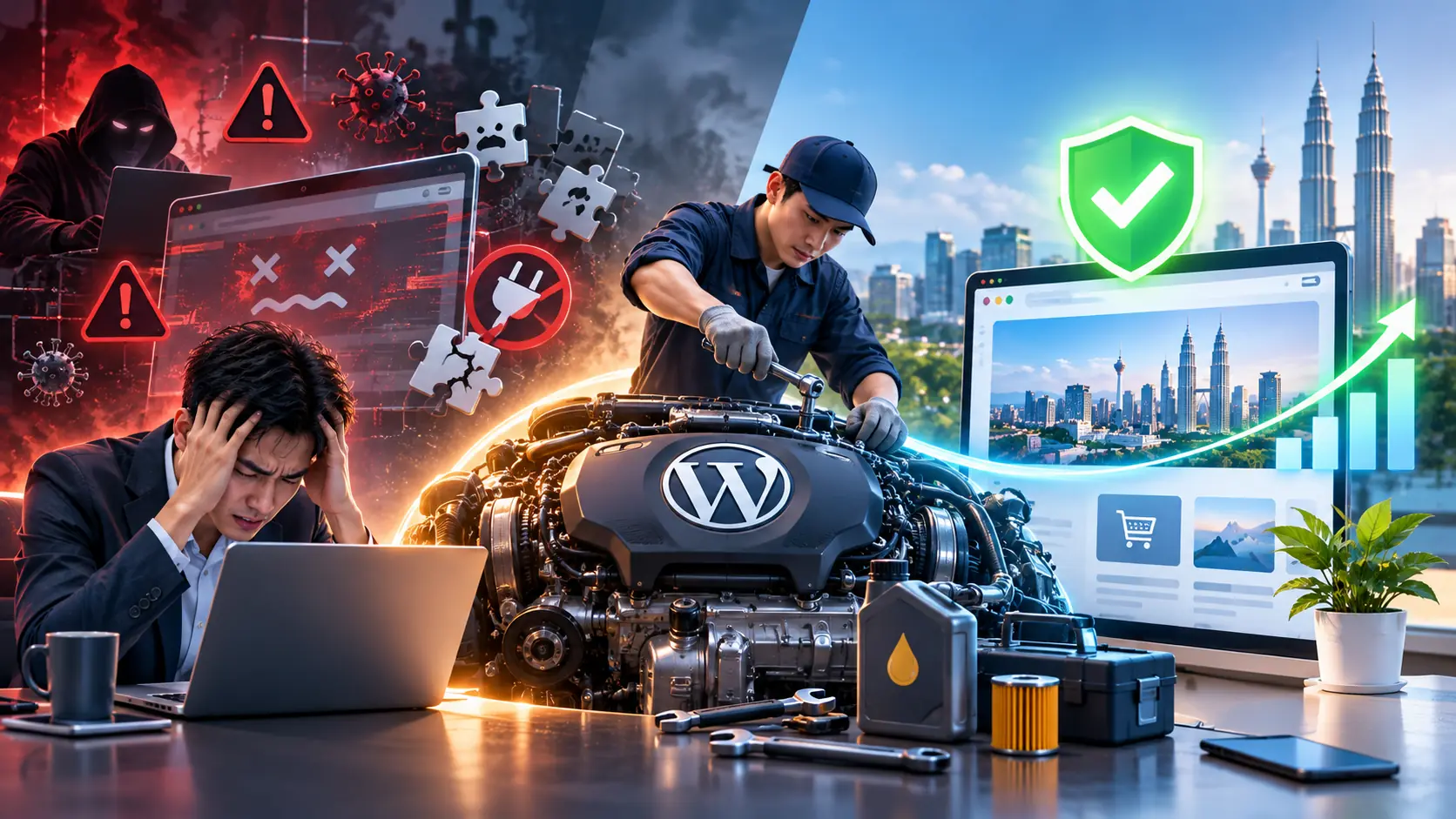
Professional WordPress maintenance includes weekly staged plugin and core updates, automated offsite cloud backups, 24/7 security vulnerability scans, database optimization, and form testing. In Malaysia, monthly maintenance costs RM200 to RM500 per month, preventing catastrophic malware infections and sudden layout breakages that cost thousands of ringgit to repair.
Many small business owners in Malaysia treat their website like a printed company brochure: once it is designed, printed, and delivered, they assume they can ignore it for the next five years.
Then, one Monday morning, the panic sets in:
- A regular customer messages you on WhatsApp: “Boss, why does your website redirect to an Indonesian gambling portal?”
- Google Search Console sends an urgent alert: “Deceptive site ahead: Malware detected on your domain.”
- Your contact form stops sending emails, and you realize you have missed two months of high-value client inquiries.
When business owners call me for emergency help, their first question is almost always: “Vern, our website was working perfectly last month. Nobody touched the code. Why did it suddenly break or get hacked?”
I am Vern Chun from Milaos. In addition to building custom high-performance websites, I maintain business WordPress installations for clients across Kuala Lumpur and Selangor. In this guide, I will break down exactly what professional WordPress maintenance includes, why automated updates are a dangerous trap, and how to tell the difference between routine maintenance and emergency repairs.
The Hidden Reality: WordPress Is Living Software, Not a Static Brochure
Unlike custom static websites built with modern frameworks like Astro, WordPress is a dynamic, database-driven content management system powered by PHP, MySQL, and dozens of third-party plugins.
Every component in that stack is continuously evolving:
[Your Live Business Website]
  ├── WordPress Core Engine (Updated 3–4 times per year for security)
  ├── Active Theme Files (Elementor, Divi, Astra, or custom child theme)
  ├── 15 to 30 Active Plugins (Forms, SEO, security, WhatsApp, caching, payments)
  └── Server Environment (Hosting PHP version: 7.4 -> 8.1 -> 8.2 -> 8.3)
According to security research from Wordfence and Sucuri, over 90% of all compromised WordPress websites are hacked through vulnerabilities in outdated plugins and themes, not the WordPress core itself.
When plugin developers discover a security loophole, they release an emergency patch. The moment that patch is published, automated hacker bots scan millions of websites across the globe looking for domain owners who have not clicked update yet. If your site sits untouched for six months, it becomes low-hanging fruit for automated malware injections. Even flawless maintenance cannot rescue a website running on overloaded shared servers located halfway across the world; ensure your underlying server infrastructure is sound by reading our guide on how to choose reliable web hosting in Malaysia.
The 5 Essential Pillars of Professional WordPress Maintenance
When you pay a professional developer or agency for monthly website maintenance, what should you actually receive? Here are the five core pillars of an authentic maintenance service:
| Maintenance Pillar | What It Entails | Frequency | Why It Matters |
|---|---|---|---|
| 1. Staged Updates | Manually testing core, theme, and plugin updates in a safe sequence. | Weekly / Bi-weekly | Prevents plugin conflicts, fatal PHP errors, and White Screen of Death crashes. |
| 2. Independent Offsite Backups | Storing full encrypted database and file snapshots outside your web host (AWS S3, Google Drive, Cloudflare R2). | Daily / Weekly | Guarantees full disaster recovery even if your hosting server is hacked or wiped. |
| 3. Security & Malware Audits | Running automated deep scans for file tampering, blacklisted URLs, and unauthorized admin logins. | Continuous 24/7 | Catches backdoor scripts before Google flags your site with a red security warning. |
| 4. Database & Cache Hygiene | Clearing post revisions, orphaned transients, spam comments, and purging object caches. | Monthly | Prevents database bloat from dragging down mobile loading speeds over time. |
| 5. Form & Checkout Verification | Submitting test inquiries through your contact forms and checking WhatsApp links. | Monthly / Post-update | Ensures high-intent potential customers can actually reach your sales team. |
Routine cleanup prevents database bloat from dragging down loading speeds over time. If your site already struggles to load quickly on smartphones, diagnose the primary culprits in our guide on why your WordPress site is slow on mobile.
The “Auto-Update” Trap: Why Turning on Automatic Updates Breaks Websites
A common objection I hear from cost-conscious business owners is: “Vern, WordPress has an ‘Enable auto-updates’ button in the dashboard. Why should I pay RM300 a month when WordPress can update itself for free?”
Here is the truth about automatic updates:
[Auto-Update Triggered at 3:00 AM]
       │
       ▼
[Major WooCommerce / Elementor Update Applied Automatically]
       │
       ▼ (Conflict with Unmaintained Theme Code or PHP 8.2)
[Fatal Error: White Screen of Death / Broken Checkout Button]
       │
       ▼
[Your Website Stays Broken for 3 Days Until a Customer Complains]
Auto-updates work fine for simple personal blogs with three basic plugins. But on a commercial business website with an Elementor page builder, a WhatsApp floating widget, an SMTP mailer, and an SEO plugin, plugins are interconnected.
- If your slider plugin updates to support PHP 8.2, but your older theme still relies on deprecated PHP 7.4 functions, your entire homepage crashes.
- If your contact form plugin updates its JavaScript syntax, your submission button might silently fail, showing an endless loading spinner to visiting clients.
A human developer does not just click update. We take a backup first, apply updates in a logical sequence, verify front-end layout integrity, test form submissions, and immediately roll back if a conflict occurs.
Clarifying the Boundaries: Routine Maintenance vs Emergency Repair vs Rebuild
One of the biggest sources of friction between business owners and web developers is misunderstanding what a monthly maintenance retainer actually covers.
To protect both your budget and your expectations, here is how the three tiers of website work are separated in the Malaysian market:
| Service Tier | Typical Cost (Ringgit RM) | Scope of Work Included | What Is NOT Included |
|---|---|---|---|
| Tier 1: Routine Monthly Maintenance | RM200 – RM500 / month (Milaos: RM300/mo) | Weekly safe updates, offsite backups, security monitoring, uptime checks, and minor text/image edits (up to 30 mins/month). | Does not include designing new pages, redesigning brand identity, or fixing pre-existing hacks. |
| Tier 2: Emergency Repair & Malware Cleanup | RM500 – RM1,500 (One-time fee) | Removing malicious code, cleaning database injections, submitting Google Safe Browsing review, fixing fatal white-screen errors. | Does not include ongoing future maintenance or rewriting abandoned custom code. |
| Tier 3: Website Rebuild / Modernization | RM2,500 – RM4,500 (One-time project) | Completely replacing an obsolete 7-year-old theme with modern, lightweight architecture (Astro or modern clean WordPress). | Standard new project build scope; ongoing maintenance quoted separately post-launch. |
The Golden Boundary
Maintenance keeps a healthy website healthy. It is not an insurance policy that covers infinite free redesigns or rebuilding broken legacy code.
If your website was hacked three months ago and is currently blacklisted by Google, you cannot buy a RM300 maintenance plan and expect the developer to clean up 50,000 spam files for free on day one. A responsible developer will quote a one-off cleanup fee to restore the site to a clean baseline first, after which routine maintenance keeps it secure. If your site is already infected with gambling redirects or malicious scripts, read our emergency protocol on WordPress hacked malware removal in Malaysia to purge backdoors before starting routine maintenance.
4 Critical Questions to Ask Your Current Maintenance Provider
If you are currently paying an agency or freelancer for website maintenance in Malaysia, verify whether you are getting genuine technical value or just an automated invoice:
- “Where are my backup files stored?” If their answer is “on your hosting cPanel”, you do not have a real backup. Demand that backup archives be transferred offsite to an independent cloud storage account (such as Google Drive, Dropbox, or Amazon S3).
- “How often do you test my contact forms?” Updating plugins can silently break email delivery. A reliable partner tests form submissions regularly to confirm emails reach your inbox.
- “Do you test updates before pushing them live?” Ask what their protocol is if a plugin update breaks your site layout.
- “Do I retain full administrative access to my own website?” Never let an agency hold your website hostage by refusing to give you the primary administrator credentials. You own your business assets.
Summary: Prevention Costs Hundreds, Recovery Costs Thousands
In digital business, website maintenance is identical to car maintenance:
Paying RM300 for regular engine oil changes and brake pad inspections is far cheaper than paying RM8,000 for a complete engine overhaul after your car breaks down on the North-South Expressway.
When your WordPress website is updated safely every week, backed up offsite, and monitored around the clock, you can focus on running your business with absolute peace of mind.
If your WordPress site is running slowly, throwing strange errors, or has not been updated in over six months, request a Free Website Audit or explore our transparent WordPress Maintenance Services. I will inspect your plugin health, check your backup integrity, and help you keep your digital front door secure.
FAQ
What is included in routine WordPress maintenance?
Standard WordPress maintenance covers four essential pillars: weekly staged core and plugin updates, automated offsite backups stored independently of your web host, 24/7 uptime and security vulnerability monitoring, and basic troubleshooting for visual glitches or form errors.
Can I just enable WordPress auto-updates instead of paying for maintenance?
Auto-updating plugins without human oversight is the leading cause of unexpected website crashes. When major plugin updates conflict with your active theme or server PHP version, forms break, checkout buttons disappear, or your site displays a fatal White Screen of Death without you realizing it.
How much does WordPress maintenance cost in Malaysia?
In the Malaysian market, professional monthly maintenance for a standard business website typically ranges between RM200 and RM500 per month. At Milaos, our dedicated WordPress maintenance plan is a flat RM300 per month with no lock-in contracts.
What is the difference between website maintenance and emergency repair?
Maintenance is proactive preventive care (stopping problems before they happen through regular updates, cleanups, and offsite backups). Emergency repair is reactive disaster recovery (restoring a site that is already hacked, infected with spam redirects, or completely broken), which typically costs RM500 to RM1,500 as a one-off service.
Why is saving backups on the same hosting server dangerous?
If your backup files live in the same server directory as your live website, any malware infection that breaches your site will corrupt the backup files too. Furthermore, if your hosting provider suffers server hardware failure, you lose both your live site and your backups simultaneously. True backups must be offsite.