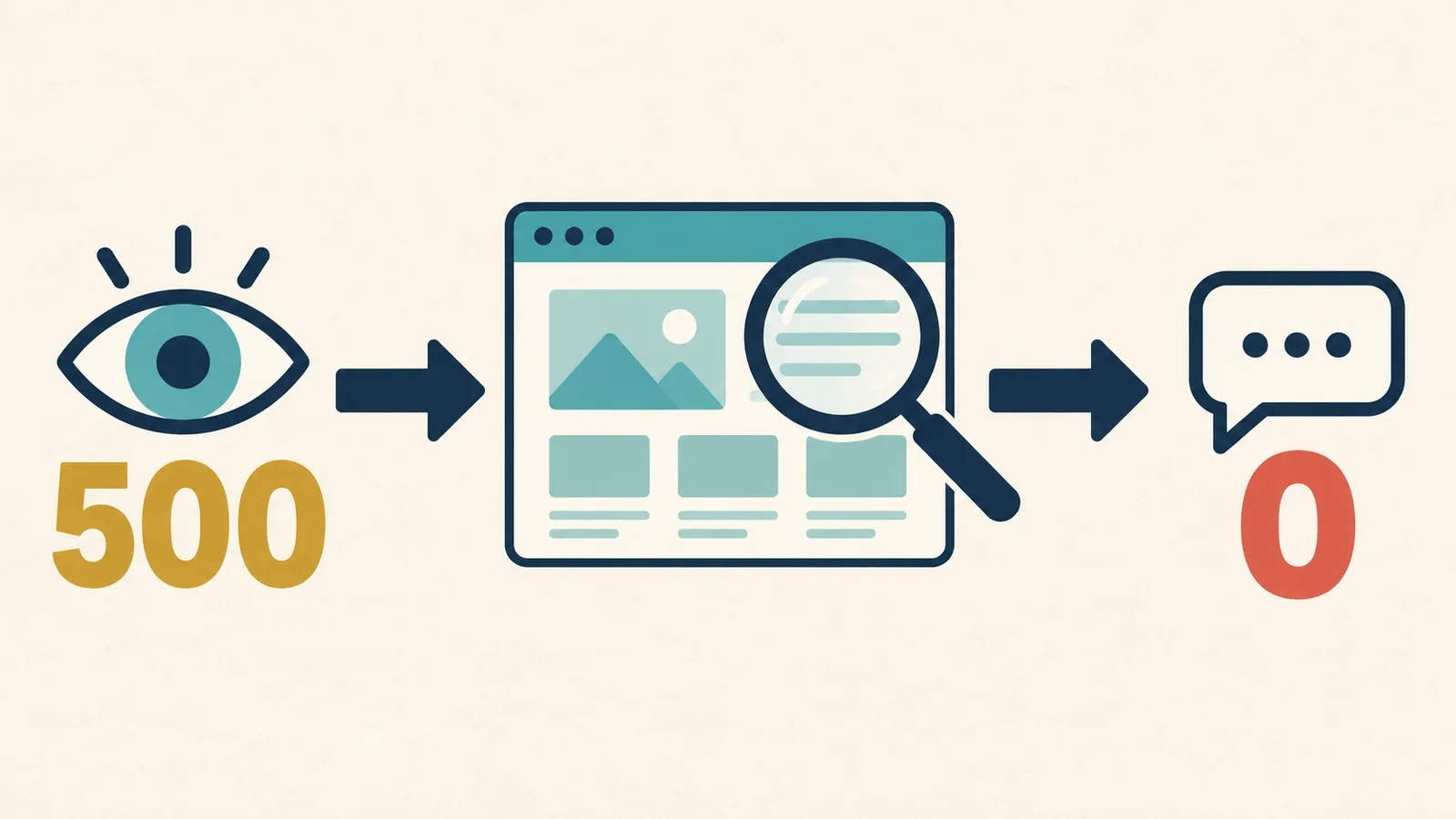
If your website gets no enquiries, do not rebuild it immediately and do not assume SEO is always the problem. First, find where the journey stops: website access, Google indexing, relevant impressions, clicks, page understanding, or a completed contact.
Use this table to locate the first problem. Fix the earliest broken step before changing everything else.
| What you see | Check first | Possible next step |
|---|---|---|
| The website or page does not open | Mobile access, network, HTTPS, and error pages | Fix website access first |
| Google cannot find an important page | URL Inspection, Page indexing, sitemap, and noindex | Fix crawling and indexing |
| The page is indexed but gets no impressions | Queries, page topic, service, and location content | Check search demand and page relevance |
| The page gets impressions but few clicks | Queries, position, title, snippet, and the SERP | Improve the search result and content match |
| The page gets visitors but no contacts | Landing page, information, proof, CTA, and mobile use | Improve the page and contact path |
| You get contacts, but they are not suitable customers | Query source, promise, location, budget, and screening questions | Adjust positioning, content, and lead qualification |
I am Vern Chun from Milaos. I help small businesses in Malaysia with websites, SEO, and Local SEO. These steps do not push you to buy one service immediately. They help you use available data to find the real problem first.
Step 1: Check whether the website and contact methods work
Use a phone that is not logged into the website admin. Complete one real visit and contact test.
Do not test only the home page on your own computer. Enter the website from Google, WhatsApp, or a link that you normally share. Then check these items:
- The home page and main service pages open correctly.
- HTTPS does not show a warning or redirect error.
- Text, buttons, and menus work on a phone.
- The WhatsApp button opens the correct number and message.
- The phone button calls the correct number.
- Required form fields, error messages, and success messages are clear.
- The correct email address or system receives the submission.
- Old links, 404 pages, and redirects do not send visitors to the wrong page.
Ask someone who did not build the website to test it. They may notice a small button, a form error, or a contact option that is difficult to find.
If visitors cannot contact you successfully, more traffic will only send more people into the same problem.
Step 2: Check whether Google has indexed the important pages
A working website is not always an indexed website. It also does not mean every service page can appear in Google Search.
Use URL Inspection in Search Console for the home page and every important service page. It can show Google’s indexed version, crawl details, indexing status, and canonical URL.
Check these points:
- The URL is in the Google index.
- Google has crawled the page recently enough for your latest changes.
- The live URL test can access the page.
- The page does not have an accidental
noindexsetting. - Google selected the correct canonical URL.
- The sitemap contains the page.
- Internal links help Google find the page.
The Page indexing report helps you review important pages across the website. Not every URL needs indexing. Duplicate pages, removed pages, and some system pages can stay outside the index. Focus on the home page, services, locations, case studies, and contact pages that customers need to find.
If an important page is not indexed, fix the crawling and indexing issue first. The CTA colour and form length are later steps.
Step 3: Check for relevant search impressions
If the page gets no impressions, Google rarely shows it under the dates and search filters you selected. Check whether the page matches a real customer search.
The Search Console Performance report shows impressions, clicks, CTR, and average position by query, page, country, and device.
Choose a useful date range. Then open Queries and Pages:
- Check whether non-branded queries that customers may use receive impressions.
- Select an important service page and see which queries show that page.
- Check whether the queries match your real service, location, and target customer.
- Compare mobile and desktop, and Malaysia with other countries.
- Look at the trend instead of one day.
A page that only says “high-quality solutions” does not explain its service, customer, or location. Google and potential customers may not understand which question the page answers.
A new website, limited content, unclear page topics, strong competitors, or weak internal links can also reduce visibility. Separate these possible causes before you improve a page, add content, fix a technical issue, or build external signals.
Step 4: If you get impressions but few clicks, check search intent
When impressions exist but clicks stay low, review the queries and positions first. Then check whether the title, snippet, and page set the right expectation.
Search Console calculates CTR by dividing clicks by impressions. Do not apply one universal good CTR. Brand and non-brand queries, ranking positions, devices, and search result layouts can have very different click patterns.
Check these points:
- The query matches the service you provide.
- The page title explains the service, customer, or location clearly.
- The title does not promise something that the page does not provide.
- The description and page introduction answer the same question.
- Maps, advertisements, videos, or other SERP features may affect click behaviour.
- The click leads to the most suitable page, not a general home page.
Google explains that relevant and useful page titles help people decide whether to click. A meta description may also help Google choose a search snippet. Read Google’s title and snippet guidance.
Open the real search results before changing a title. Check what the other visible pages answer. Do not add keywords to the title without understanding the search results.
Step 5: If visitors do not contact you, check the landing page
When Search Console shows clicks and GA4 shows visitors, but you get no enquiries, check whether the page helps the customer understand, trust, and act.
The GA4 Landing page report shows the first page that a visitor enters. The Traffic acquisition report helps you separate organic search, paid advertising, social, referral, direct, and other sources.
Do not review only total website traffic. Check each landing page that receives traffic:
- The first screen explains what you do, who you serve, and where you work.
- The page answers questions about price, scope, process, timing, and common concerns.
- It includes real case studies, reviews, qualifications, or other proof that people can verify.
- WhatsApp, phone, or form options appear where people need them.
- The CTA explains what happens after a click.
- The page is easy to read and use on a phone.
- The page promise matches the visitor’s search.
For example, a person searches for “office aircond maintenance Kuala Lumpur” but reaches a page that only discusses the company’s vision. It does not show the service area or maintenance scope. The person may leave because the page does not provide enough information for a confident decision. A different button colour may not solve this problem.
Start with one page that receives useful traffic and is close to a business goal. Record the date of the change. Then review the same page and traffic source over a similar period.
Step 6: Track completed contacts and qualified enquiries
A WhatsApp click, phone click, or form start is only a process signal. Your business also needs to know how many people completed a contact and how many had a suitable request.
Check whether you can record these actions:
- WhatsApp button clicks.
- Phone number clicks.
- Form starts.
- Successful form submissions.
- A thank-you page or success state.
- A booking, quote request, or other main action.
Google’s GA4 guide recommends comparing form_start with form_submit to see whether users start a form but do not complete it. Read the GA4 lead form measurement guide. You can also use generate_lead for an information request or form submission.
Analytics cannot decide whether every contact suits your business. Keep a simple enquiry record with these details:
- Date and source. Record the source only when you know it.
- Requested service and location.
- Whether the request is within your service scope.
- Whether the person provided enough information for an assessment.
- Whether the enquiry moved to a quote or another discussion.
Do not send names, phone numbers, chat messages, or other personal information to GA4. Keep your qualified lead assessment in a secure business record.
Use the data to choose the next action
Different signals need different work. Fix the earliest problem so you do not spend money on a later symptom.
| Main signal | More suitable work |
|---|---|
| The website does not open, the form fails, or mobile actions do not work | Website repair or technical changes |
| Important pages are not indexed | Technical SEO, page settings, internal links, and sitemap |
| Indexing works but relevant impressions are low | Keyword and SERP research, service pages, and content planning |
| Local or map visibility is low | Local SEO and Google Business Profile review |
| The page gets impressions but few clicks | Query match, title, snippet, and page positioning |
| Target visitors arrive but do not contact you | Page information, trust evidence, CTA, and contact flow |
| You receive many unsuitable contacts | Positioning, service scope, location, price expectation, and screening questions |
If Google Maps is the main problem, read the Google Maps business visibility checklist. If you already know that you need ongoing SEO, review the SEO cost and service guide for Malaysia.
A 30-minute website enquiry checklist
Choose one important service and one page. Then complete these steps:
- Open the page on a phone from an external link.
- Complete one WhatsApp, phone, or form test.
- Check the URL in Search Console.
- Review the page’s queries, impressions, and clicks for the past three months.
- Record the five most relevant queries and their matching pages.
- Open the real Google results and compare the titles and page types.
- Check the page’s traffic sources in GA4.
- Confirm that the page explains the service, customer, location, scope, and next step.
- Confirm that completed contact actions can be recorded.
- Select the earliest problem, record the change date, and review it later.
If Search Console, GA4, or contact tracking is not ready, write “unknown” instead of guessing. Creating a basic record is already the first improvement.
You can send your website, main service, and target location through the free initial SEO check. I will review the public pages and list three priority issues with a suitable next step. If the main issue is the page or contact process, I will explain why it is closer to website design. If the issue is search visibility, we can discuss a suitable SEO scope.
FAQ
Should I do SEO or rebuild my website if I get no enquiries?
First, find where the problem starts. If you get no relevant search impressions, check indexing, keywords, pages, and SEO. If you get impressions but few clicks, check search intent, titles, and snippets. If visitors arrive but do not contact you, check the page information, trust signals, and contact process. You do not need to rebuild the whole website before you know the cause.
How do I know if my website has no traffic or traffic with no conversions?
Use Search Console to check Google impressions and clicks. Then use GA4 to check visitors, traffic sources, and landing pages. Very few impressions usually point to an indexing or search visibility issue. Clicks and visitors without completed WhatsApp, phone, or form actions point more towards the page or contact process.
Why do I get no enquiries even when Google has indexed my website?
Indexing only means that the page is eligible to appear in Google Search. It does not guarantee relevant impressions, clicks, or enquiries. You still need to check whether the page matches what customers search for, explains the service and location clearly, builds trust, and lets people contact you successfully.
Why does my website get traffic but no leads?
Common reasons include the wrong visitors, unclear services or locations, missing buying information, weak proof, an unclear call to action, a difficult mobile experience, or a WhatsApp link or form that does not work. Check each landing page and traffic source instead of looking only at total website traffic.
What should I track for website enquiries?
At minimum, track WhatsApp clicks, phone clicks, form starts, successful form submissions, and thank-you pages or success states. You also need a separate business record for qualified enquiries because a click or submission may not come from a suitable customer. Do not send names, phone numbers, or chat messages to analytics tools.
How long does it take to get enquiries after improving a website?
There is no fixed period for every website. Technical fixes, crawling, ranking changes, traffic levels, and customer decision times are different. Record the date of each change, compare equal periods, and review indexing, impressions, clicks, completed contacts, and qualified enquiries separately.