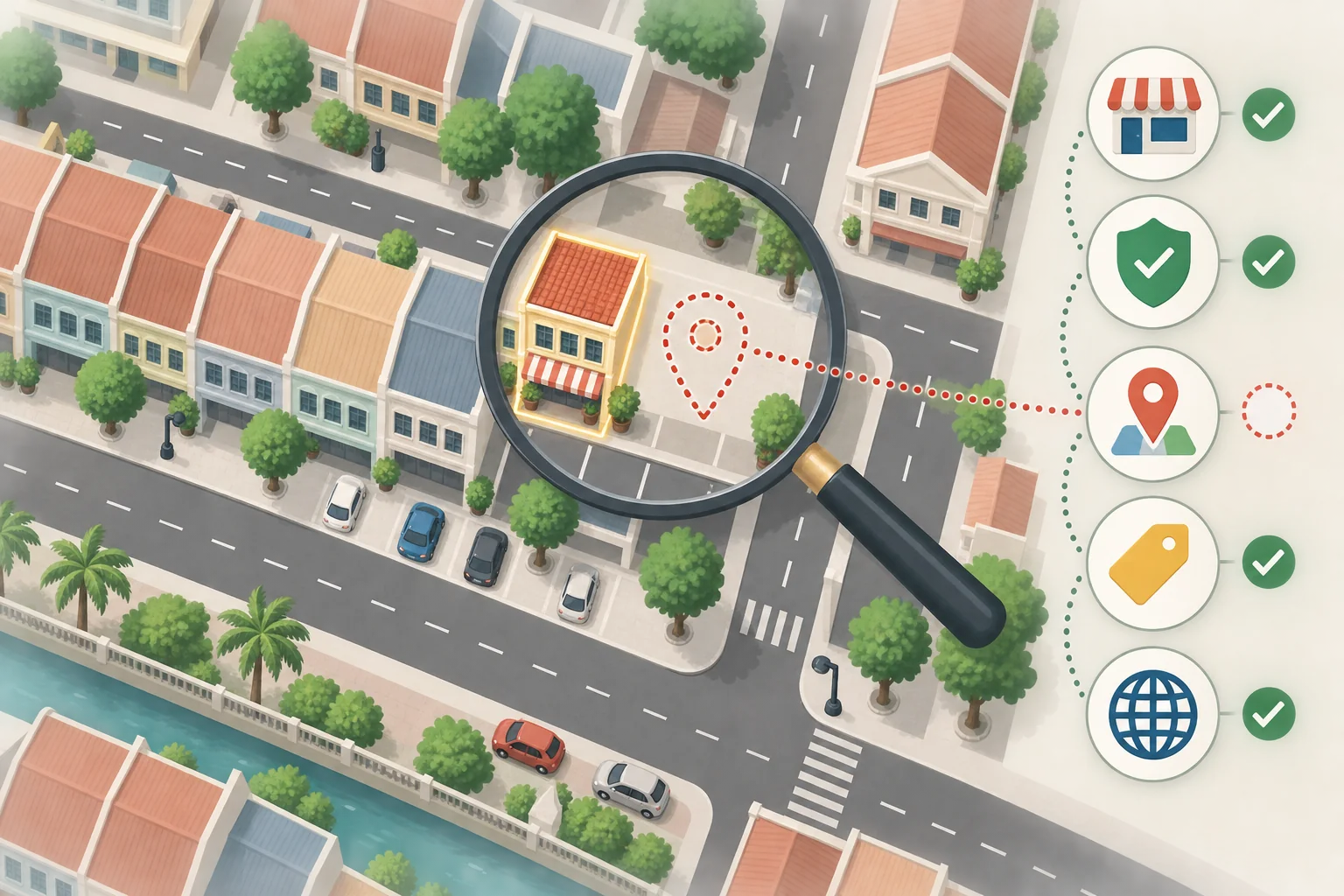
If you cannot find your business on Google Maps, it does not always mean that your ranking suddenly dropped. Start by searching for your full business name and city. If the name does not appear, check the Business Profile, management access, verification status and address setup. If the name appears but searches such as “renovation contractor near me” or “aircond service PJ” do not show it, the problem is more likely local ranking.
The two situations look similar, but they need different actions:
| What you see | More likely problem | First check |
|---|---|---|
| The full business name does not appear | Profile, verification, suspension, duplicate or address issue | Sign in to the Google Account that manages the profile and check its status |
| The name appears, but service searches do not | Local ranking or search location | Check the primary category, services, website and search location |
| The business appears in some areas only | Distance or competition changes by area | Search again from areas where real customers are located |
| The profile disappeared after an edit | The edit is under review or re-verification is required | Check edit and verification status, and do not create another profile |
I am Vern Chun from Milaos. I help small and medium businesses in Malaysia with websites, SEO and Local SEO. Follow these checks to find the likely problem before you decide whether to fix it yourself or ask for help.
1. Does a Business Profile already exist?
Open Google Maps and search for the full business name and city, such as “ABC Aluminium Puchong”. You can also search for the business phone number or full address.
You may find one of these situations:
- No profile exists. Follow Google’s instructions to add or claim a Business Profile. Adding and claiming a profile is free.
- A profile exists, but your account cannot manage it. Claim it or ask the current owner to transfer access. Do not create another profile for the same business.
- A profile exists and you manage it. Sign in with the correct Google Account and check the verification and profile status.
A place pin on Google Maps does not mean that you own the Business Profile. A profile in your management dashboard also does not mean that customers can already find it on Google.
2. Is the Business Profile verified?
Google uses verification to confirm that you can represent the business. Google chooses the available method based on the business type, location and existing public information. The options may include a video recording, phone, text message, email, live video call or postcard. Use the method that Google offers for that profile.
Use Google’s Business Profile verification guide to check:
- Whether you still see “Get verified” or another verification request.
- Whether the video shows the location, signage, work equipment and proof that you manage the business.
- Whether the business name, address or category changed during verification.
- Whether Google asked for more information or re-verification.
Google says a verification review usually takes up to five business days after you complete the steps. Some cases take longer. If postcard verification is available, most codes arrive within 14 days. Do not request several codes or change the name, address or category while waiting because the original code may stop working.
3. Is the profile suspended, disabled or restricted?
If the dashboard shows suspended, disabled or a similar warning, adding more photos or keywords will not solve it. Read the reason from Google and correct the name, address, category or business setup first.
Google’s guide for suspended or disabled profiles asks the business to correct the profile before submitting an appeal. You may need business registration, a licence, tax documents or utility bills. The business name and address on the evidence should match the profile.
Do not create another Business Profile for the same business while the appeal is in progress. A duplicate profile can make ownership, reviews and the review process more difficult.
4. Do the name, address and service area match the real business?
The business name should match the name used on real signage, the website and business documents. Do not add cities or service keywords only for ranking. If the real name is “ABC Renovation”, do not change it to “ABC Renovation Best Contractor KL Selangor”. This can break Google’s Business Profile guidelines.
Set the address based on how the business serves customers:
- Storefront business: Customers can visit during opening hours. The location has permanent signage and staff. The address can be shown.
- Service-area business: You visit customers and do not receive them at your home or office. Hide the address and add the cities or postcodes that you really serve.
- Hybrid business: Customers can visit your location and you also visit or deliver to them. You can use both an address and service areas.
Google does not accept a virtual office that is only used to receive mail and has no real operation. A co-working office may qualify only when it has clear signage, your staff are present during opening hours and customers can visit.
You can add up to 20 cities, postcodes or other service areas. The total area should normally stay within about two hours of driving from the operating location. Google’s service-area guide also says that an approved service-area edit may take up to 48 hours to appear.
5. Are the category and business details accurate?
The primary category tells Google what the business mainly does. Choose the most specific available category that matches the core business. Do not add unrelated categories only to cover more keywords.
Check that these details are complete:
- Phone number, website and opening hours.
- The primary category and other categories that truly apply.
- Services, business description and service areas.
- Holiday or temporary opening hours.
- Real photos that help customers confirm the location, team, products or work.
Google reviews profile edits. Its profile edit guide says that an edit usually takes about 10 minutes to review, but some reviews can take up to 30 days. If the status is pending, wait for the result and do not submit several conflicting edits.
6. Does the name appear but service searches do not?
If the full business name appears, the profile is normally public. The next question is why the business does not appear for a service search in a certain area.
Google says local results mainly use three factors:
- Relevance: How well the Business Profile and website match the searched service.
- Distance: How far the business is from the searcher or searched location.
- Prominence: Google can use reviews, websites that link to the business and other public information.
The same business may appear near its location but not in another city. A result that you see inside your shop also does not represent what every customer sees.
You can improve relevance and prominence, but you cannot change the real distance between the searcher and the business. Google’s local ranking guide also says there is no way to request or pay for a better organic local ranking.
7. Does the website explain the services and locations clearly?
A Google Business Profile is only one part of Local SEO. The website should also help customers and search systems understand:
- The main services that the business provides.
- The cities or areas that the business really serves.
- The address, phone number, opening hours and contact options.
- The reasons why a customer can trust the business.
- The next step to ask a question or make a booking.
Do not create many copied pages that only change the location name. Create useful content only for areas that the business really serves. Explain the service coverage, visit or delivery method, relevant projects, common questions and contact options.
Real customer reviews also help people decide. You can ask real customers for honest reviews and reply to them. Do not offer discounts, gifts or payments for reviews. Google’s review guidance treats rewarded reviews as fake and misleading content.
How does Milaos check this problem?
I do not treat every visibility problem as a reason to sell ongoing Local SEO. I first check whether the full business name appears, whether the profile status is normal, and whether the address and category match the real business. Then I decide whether the business needs a profile correction, website improvement or ongoing local ranking work.
You can review the KCN Aluminium and TSP Haus case study. The project needed a clear explanation of the relationship between two brands. It also included separate service pages, enquiry paths, a Google Business Profile and local search foundations. The page audit score and brand search screenshots do not prove service keyword rankings, traffic growth or enquiry growth. I do not use them to guarantee your result.
If the problem needs ongoing Local SEO, I will explain the monthly priorities, work and limits based on the current Local SEO service scope.
Which problems can you handle yourself?
| Situation | You can start with this | When help may be useful |
|---|---|---|
| The profile does not exist or is not claimed | Add, claim and verify it with Google’s steps | Ownership conflict or repeated verification failure |
| The phone, hours or website is wrong | Edit it and wait for review | Several locations have different or outdated details |
| The address or service area is wrong | Correct it based on the real business setup | You are unsure whether the business is storefront, service-area or hybrid |
| The profile is suspended | Read the reason and correct the problem | You need help to organise the profile and appeal evidence, without a recovery guarantee |
| The name appears but service searches do not | Improve the profile, reviews, service information and website | You need research on keywords, competitors, website pages and visibility in different areas |
Milaos provides Local SEO services for the Business Profile, website service structure, local keywords and future improvements. I do not promise a fixed ranking because search distance, market competition and Google’s systems are outside a provider’s control.
Complete this checklist first
Record each result in this order:
- Use a private browser window to search for the full business name and city.
- Sign in to the Google Account that manages the profile and record its current status.
- Check whether it is verified, pending, suspended or asking for re-verification.
- Check the real name, primary category, phone, website and opening hours.
- Confirm whether the address should be shown or hidden with service areas.
- Search for one main service and record the search location and businesses that appear.
- Check whether the website has the matching service, location and a clear contact option.
If you want me to check the situation, prepare the business name, Google Maps link, main services, service areas, website, dashboard status, and the exact search term and location that you used.
If you have a website but do not know whether the problem comes from the profile, website or ranking, request a free initial SEO review. For ongoing local visibility work, read the Local SEO service scope and price or explain the problem on the contact page.
FAQ
Why is my business not showing on Google Maps?
First, check whether the Business Profile exists, whether the correct Google Account owns it, and whether verification is complete. Check the dashboard for a suspended, disabled or pending status. Then confirm the business name, address or service area, primary category and opening details. If the exact business name appears but service searches do not show it, the problem is usually local ranking rather than a missing profile.
Why is my verified Google Business Profile still not showing?
Verification confirms that you can manage the profile. It does not guarantee that the business will appear for every service search. Search the full business name with the city first. If the profile appears, check relevance, the searcher's distance and prominence. If it does not appear at all, check the profile status, recent edits, address, duplicate profiles and any request for re-verification.
Can I create a Google Business Profile without a shop?
You can create a service-area Business Profile if you visit customers to provide your service. Hide the address if customers do not visit it. A business that operates only online, has no customer-facing location and does not visit customers is normally not eligible. Use a real operating location and do not use an ineligible virtual office.
How long does a Google Business Profile change take to appear?
The time depends on the change and the review. Google says profile edits usually take about 10 minutes to review, but some can take up to 30 days. An approved service-area change may take up to 48 hours to appear. A verification review usually takes up to five business days, but some cases take longer.
How can I improve my Google Maps ranking?
Keep the business name, category, address or service area, opening hours and contact details complete and accurate. Ask real customers for honest reviews, reply to reviews, add useful photos and explain your services and locations clearly on the website. Google says local results mainly depend on relevance, distance and prominence, so no provider can guarantee a fixed ranking.