
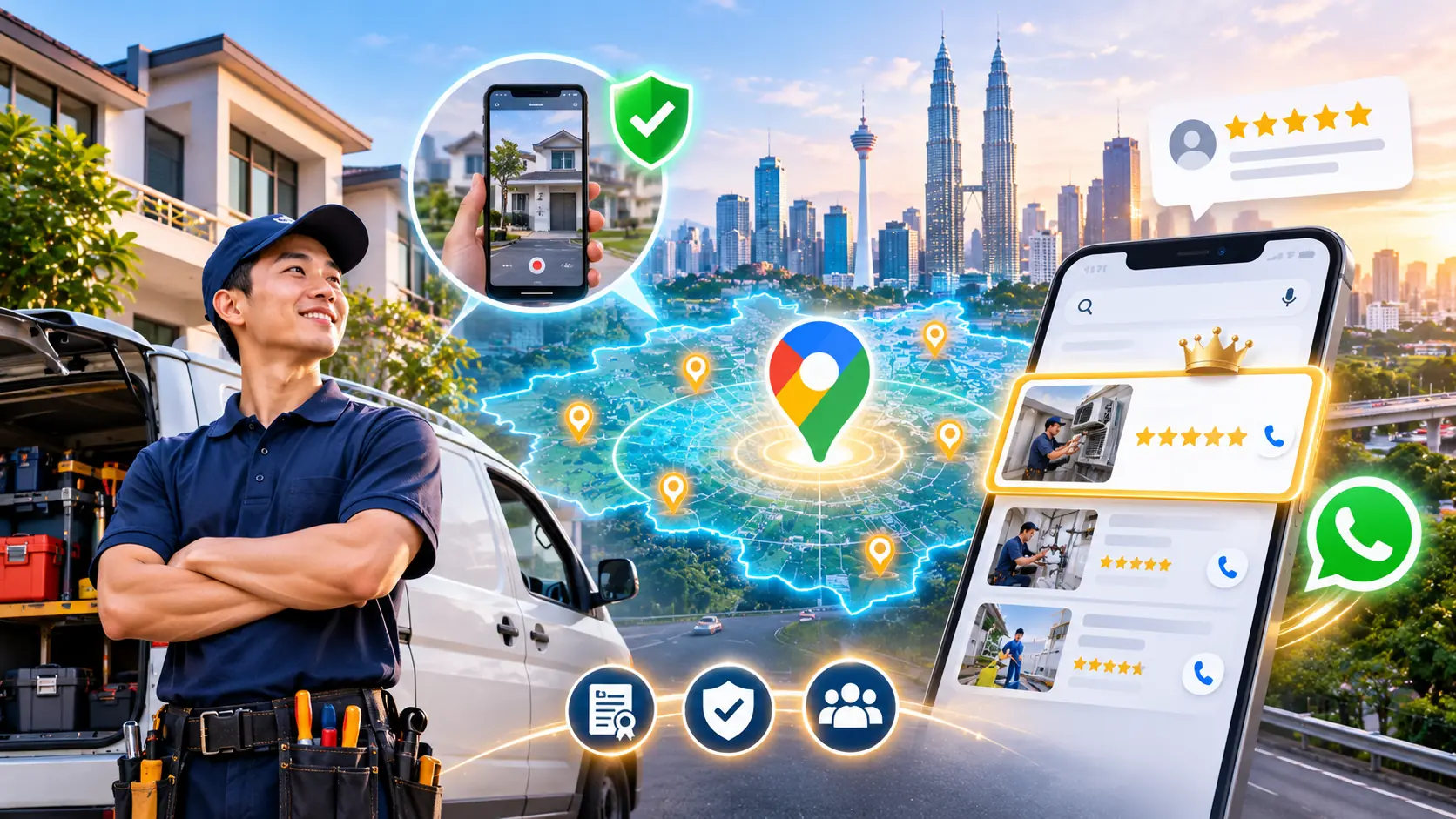
Malaysian mobile contractors and on-site service providers can rank on Google Maps without a physical shop by registering as a Service Area Business (SAB). An SAB hides your private residential address, displays an approved coverage area, and qualifies for the Local 3-Pack, provided you pass Google strict video verification and keep your service radius within a 2-hour drive.
If you run an aircond repair service in Subang Jaya, a plumbing business in Puchong, or a home renovation contracting firm in Petaling Jaya, you face a common digital dilemma:
You do not have a retail shoplot in a commercial square. You operate out of your residential house or apartment, storing tools in your work van and driving directly to your clients’ homes.
When setting up your Google Business Profile, you hit a frustrating roadblock:
“Vern, if I put my home address on Google Maps, will random strangers show up at my gate? If I hide my address, will Google still show my business when someone searches for a contractor near me, or will I be invisible?”
I am Vern Chun from Milaos. I help Malaysian service businesses optimize their local search presence, get verified without suspensions, and turn Google Maps searches into consistent, profitable WhatsApp inquiries. In this guide, I will explain how to set up an official Service Area Business (SAB) in Malaysia, pass Google video verification on the first attempt, and outrank competitors with physical storefronts.
The 3 Types of Google Business Profiles: Where Do You Fit?
Google categorizes all commercial entities into three distinct operational models. Choosing the wrong model is the primary reason legitimate Malaysian businesses get suspended:
| Business Model Type | Who It Is For | Address Visibility on Google Maps | How Google Displays Your Profile |
|---|---|---|---|
| Storefront Business | Retail shops, dental clinics, cafes, auto workshops with a physical counter. | Publicly Visible: Street name, lot number, and red map pin shown. | Fixed red pin on the exact building coordinates. Customers walk in during operating hours. |
| Service Area Business (SAB) | Mobile technicians, plumbers, aircond servicing, mobile car detailers, pest control. | Hidden: No street address or building number is shown to the public. | Soft red polygon highlighting your verified service boundary (e.g., Petaling District). |
| Hybrid Business | A kitchen showroom or fabrication factory that also provides on-site installation teams. | Publicly Visible: Address shown, but service areas are also defined. | Pin on the showroom location, with an expanded service perimeter for delivery/service teams. |
The Danger of Exposing Your Residential Address
Many Malaysian solo operators initially register their home address (e.g., a double-storey terrace house in USJ or a condominium in Cheras) and leave it publicly visible so they can get a red pin.
This creates two severe problems:
- Security & Family Privacy: Disgruntled leads, angry individuals, or salespeople will show up at your private residence unannounced.
- Algorithmic Suspension Triggers: Google Street View vehicles and satellite scans cross-reference addresses. If Google automated systems detect a residential gate instead of permanent, commercial exterior signage, your profile will be flagged for deceptive representation and suspended without warning. If this happens, you will need to follow our step-by-step guide on appealing a suspended Google Business Profile in Malaysia using your SSM registration and utility bills.
If customers do not physically visit your location to make purchases during posted business hours, you must hide your address and operate as a Service Area Business.
How to Set Up a Service Area Business on Google Maps (Step-by-Step)
Setting up an SAB correctly from day one protects your profile from compliance flags:
[Step 1: Enter Business Details]
       │
       ▼
[Step 2: Check "No" for Physical Customer Visits]
       │
       ▼
[Step 3: Enter Your Residential Address Privately for Verification Only]
       │
       ▼
[Step 4: Select Your Target Service Townships (Subang, PJ, Shah Alam)]
       │
       ▼
[Step 5: Complete Google Smartphone Video Verification]
1. The Critical “Customer Visit” Question
During initial profile creation, Google asks: “Do you want to add a location customers can visit, like a store or office?”
- Select “No”.
- This tells Google you are an on-site service provider.
- Google will then prompt: “Where do you serve your customers?”
2. The Dangerous “All of Malaysia” Trap
This is where 90% of Malaysian business owners make a fatal mistake:
They think: “I have a van, I can drive anywhere. I want jobs from Penang, Johor, and KL!” So they enter “Malaysia” or select 15 different states.
This will instantly kill your local ranking signals.
- Google official policy states that your service area must be reachable within a 2-hour driving window from your home base (typically a 20km to 50km radius).
- If an aircond contractor in Klang claims they serve Johor Bahru, Google algorithm knows it is commercially unviable to travel 350km for an RM150 chemical wash. Google suppresses your profile for suspicious geographical spam.
- Best Practice: Enter 5 to 10 specific local municipal areas or townships (for example: Petaling Jaya, Subang Jaya, Shah Alam, Puchong, Damansara, Klang).
Passing the 2026 Google Video Verification in Malaysia
Gone are the days when Google mailed a physical paper postcard with a 5-digit PIN code to your Malaysian address.
In 2026, Google almost universally demands a one-take, continuous smartphone video recording to verify Service Area Businesses in Malaysia. If your video fails to satisfy their AI and human review teams, your profile is locked into verification purgatory.
Here is the exact checklist to record a video that passes verification on the first attempt:
[Continuous, Uncut Video Recording: 60 to 90 Seconds]
  ├── Segment 1: Outside Location (Street sign, house number, neighborhood landmark)
  ├── Segment 2: Commercial Transport (Work van, branded decals, opening trunk)
  ├── Segment 3: Tools & Stock (Pressure washer, copper pipes, branded uniforms)
  └── Segment 4: Official Paperwork (SSM certificate matching profile name, business bank card)
Video Verification Execution Rules:
- One Continuous Take: Do not pause, cut, or edit the video. Any cut results in an instant automated rejection.
- Start from the Street: Stand outside your house or apartment parking lot. Capture the road sign, your house or unit number, and the surrounding neighborhood to prove geographical authenticity.
- Show Your Operational Vehicle: Walk up to your car or work van. Show your company logo or decal if you have one. Unlock the doors, open the trunk, and pan across your equipment (e.g., aircond manifold gauges, ladders, safety gear).
- Show Proof of Management: Open your glove compartment or wallet and hold your official business documents up to the camera:
- Your SSM business registration certificate (Borang D / Maklumat Perniagaan) showing the exact business name and your registered name.
- A commercial utility bill, business bank statement, or commercial invoice booklet with your logo and phone number.
- Keep It Under 2 Minutes: Speak clearly, move the camera smoothly without violent shaking, and upload the video while connected to a stable high-speed mobile network.
How Service Area Businesses Rank in the Local 3-Pack Without a Physical Pin
A common concern among business owners is: “Vern, if I do not have a red map pin on the street, how can I compete with the shoplot contractor down the road?”
Google search algorithm treats SABs and storefront businesses with equal ranking weight. When a user in USJ searches for “emergency plumber near me”, Google evaluates three core pillars:
[Google Local 3-Pack Algorithm for SABs]
  ├── 1. Proximity:   How close your registered base is to the user search location
  ├── 2. Prominence:  Review volume, review sentiment, and backlink authority
  └── 3. Relevance:   How well your website content matches the user query
If your SAB profile is verified but fails to appear for nearby customers, work through our diagnostic checklist on why your business is not showing on Google Maps to test your prominence and ranking signals.
Because an SAB does not have physical foot traffic, you must compensate with digital prominence and hyper-local relevance:
1. Build Location-Specific Landing Pages on Your Website
Your primary business website should not just talk about your services in general terms. Create dedicated service pages targeting each municipality you operate in:
milaosweb.com/en/services/aircond-subang-jaya/milaosweb.com/en/services/aircond-petaling-jaya/milaosweb.com/en/services/aircond-shah-alam/
Each landing page should highlight genuine local project photos, client testimonials from that specific neighborhood, and clear localized headings. When Google crawlers read your site, they validate that your business actively operates in those claimed service areas.
2. Guide Customer Reviews to Mention Townships
Customer reviews are the single most influential ranking factor for Service Area Businesses. When asking satisfied clients for a review, encourage them to mention their neighborhood:
- Weak Review: “Good service, technician was fast. Recommended!”
- High-Ranking Review: “Vern arrived at our house in SS15 Subang Jaya within 40 minutes to fix our leaking aircond pipe. Clean workmanship and honest pricing.”
When multiple 5-star reviews mention Subang Jaya, Damansara, or Puchong, Google algorithm automatically pushes your Service Area Business to the top of search results in those towns.
To master collecting genuine 5-star feedback, read our complete guide on How to Get More Google Reviews Safely.
3. Maintain Consistent Citations Across Local Directories
Ensure your business name, phone number, and service radius match across all Malaysian digital touchpoints:
- Official SSM registration records
- Your website footer and contact page
- Local trade directories (e.g., Yellow Pages Malaysia, Recommend.my, Kaodim)
- Your official Facebook page and business WhatsApp profile
Discrepancies in phone numbers or company names confuse Google verification algorithm, weakening your search authority.
Summary: A Legitimate Digital Shophouse Without the Overhead
Renting a physical retail shophouse in the Klang Valley costs between RM3,000 and RM8,000 every single month in rent, utility bills, and commercial council licenses.
For mobile service businesses, setting up a properly verified Service Area Business on Google Maps gives you the exact same commercial visibility without the crippling fixed overhead. You protect your family privacy, operate with complete legal compliance, and capture high-intent inquiries from local homeowners who need your skills today.
If your Service Area Business is stuck in verification, struggling to appear in the Local 3-Pack, or in need of a high-performance local website that converts visitors into WhatsApp calls, request a Free Local SEO Audit or explore our Local SEO Packages. I will analyze your local search territory and help you establish a dominant local presence.
FAQ
Can my business rank on Google Maps if I work from home without a shopfront?
Yes. Google Business Profile has an official category called a Service Area Business (SAB). It allows mobile and on-site contractors to hide their residential street address from the public while displaying a coverage zone polygon, remaining 100% eligible to rank in the Google Maps Local 3-Pack.
What happens if I display my home address on Google Maps in Malaysia?
Displaying a residential home address without permanent outdoor commercial signage violates Google Business Profile guidelines. Aside from privacy risks where unannounced strangers visit your private residence, Google automated suspension filters frequently suspend residential listings during routine quality sweeps.
How does Google verify a Service Area Business in Malaysia without a physical shop?
Google almost universally requires video verification for Malaysian SABs. You must record an unedited, continuous smartphone video showing your branded commercial vehicle, professional tools of the trade, official SSM business registration matching your profile name, and the street outside your base of operations.
How far should I set my service area radius on Google Maps?
Google guidelines state that your service area should not extend beyond a 2-hour driving radius from where your business is based (typically within 20km to 50km in urban areas like the Klang Valley). Setting your coverage across entire states or all of Peninsular Malaysia dilutes your local ranking signals and triggers policy suspension flags.
How do Service Area Businesses compete against competitors with physical shops?
While a physical storefront has a fixed map pin, a Service Area Business competes by building hyper-local website landing pages for specific towns (e.g., Subang Jaya, Petaling Jaya, Shah Alam), collecting authentic customer reviews mentioning specific project locations, and maintaining consistent local citations with verified SSM records.